Project delivery and tasks
10 min read
Plan projects, assign tasks, track delivery boards, and connect implementation work to CRM outcomes.
Features in this guide
-
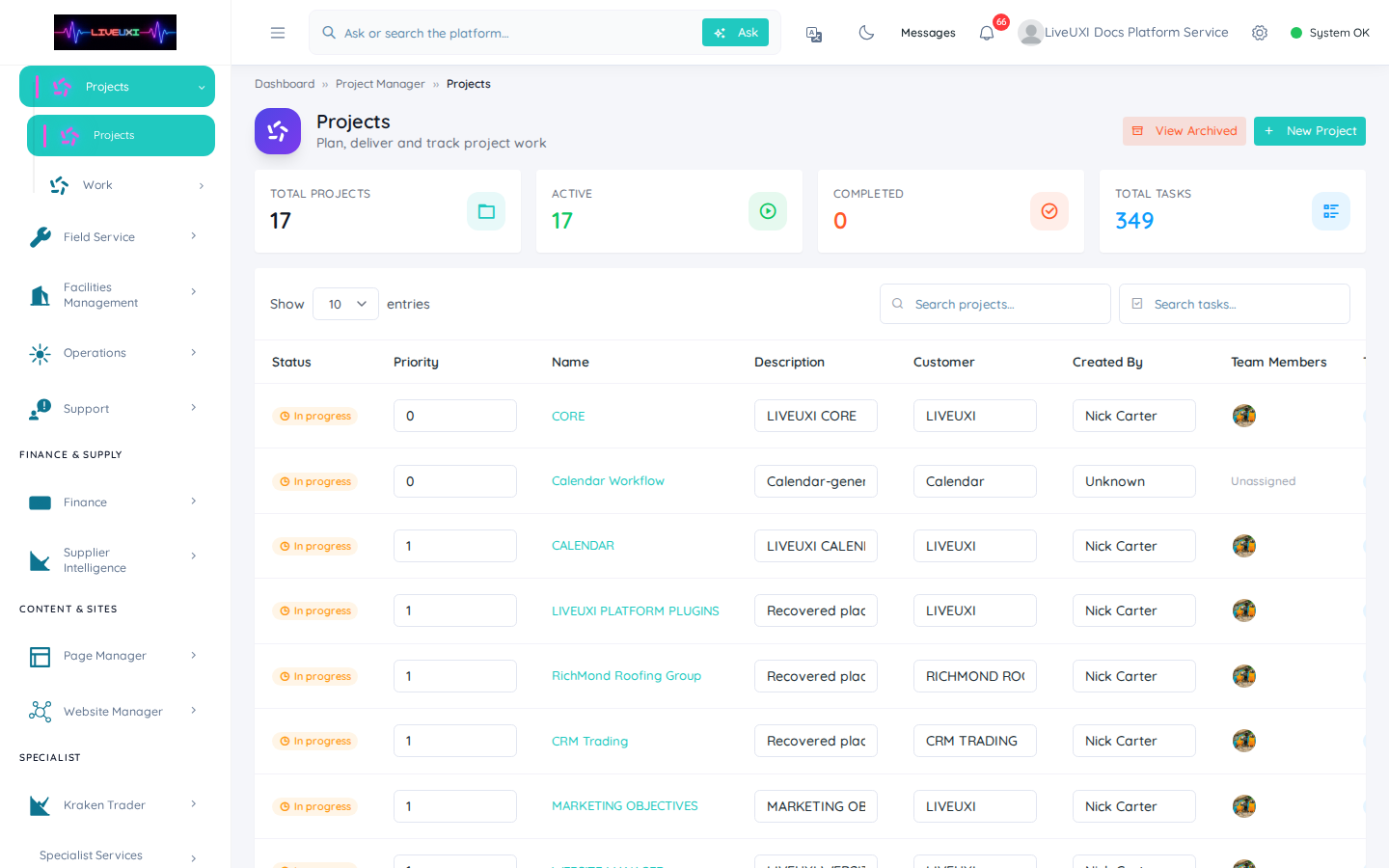
Projects
/project-manager/projectsDelivery projects with status, owners, and customer links.
-
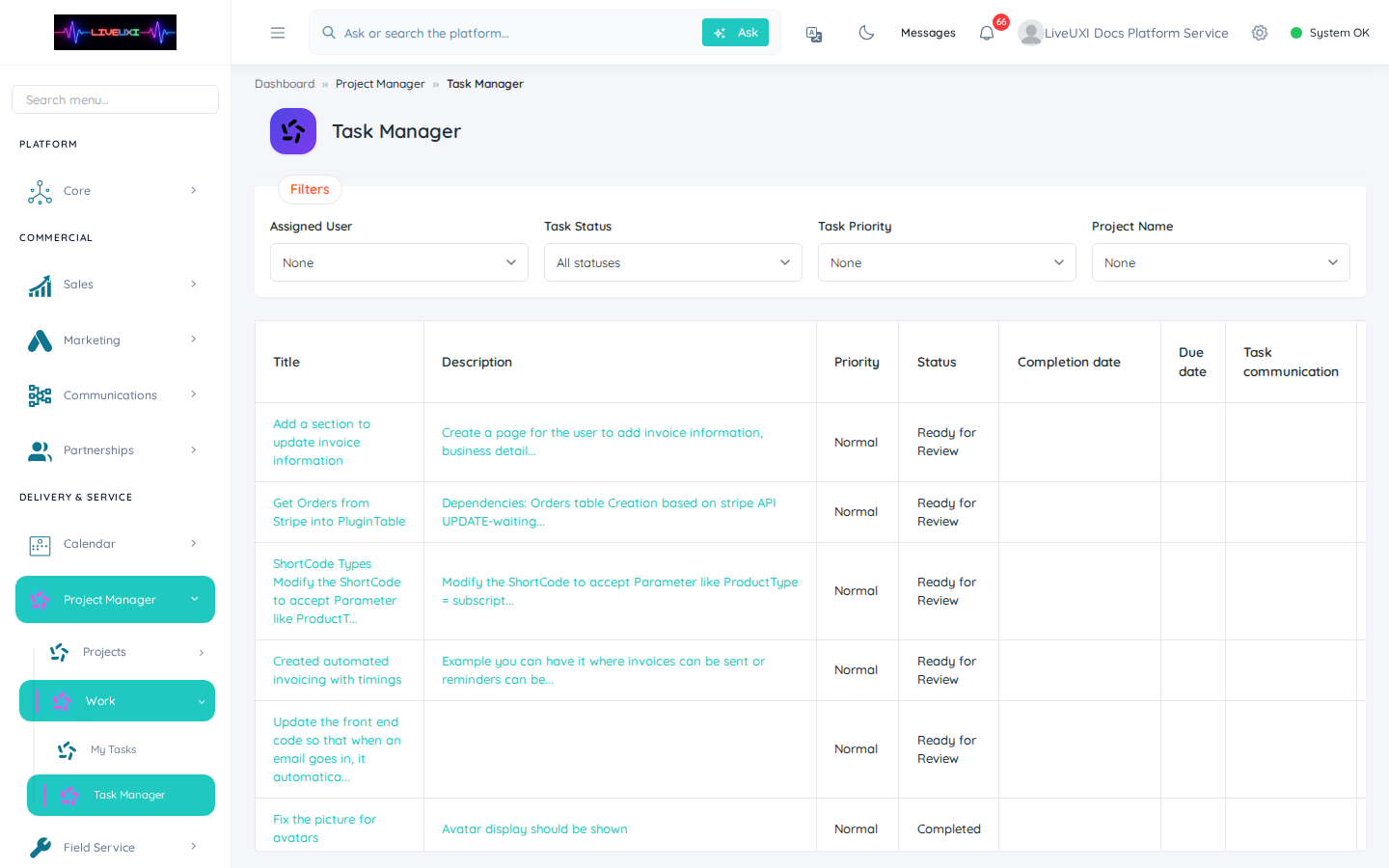
Task manager
/project-manager/task-managerOperational board across projects with priority filters.
-
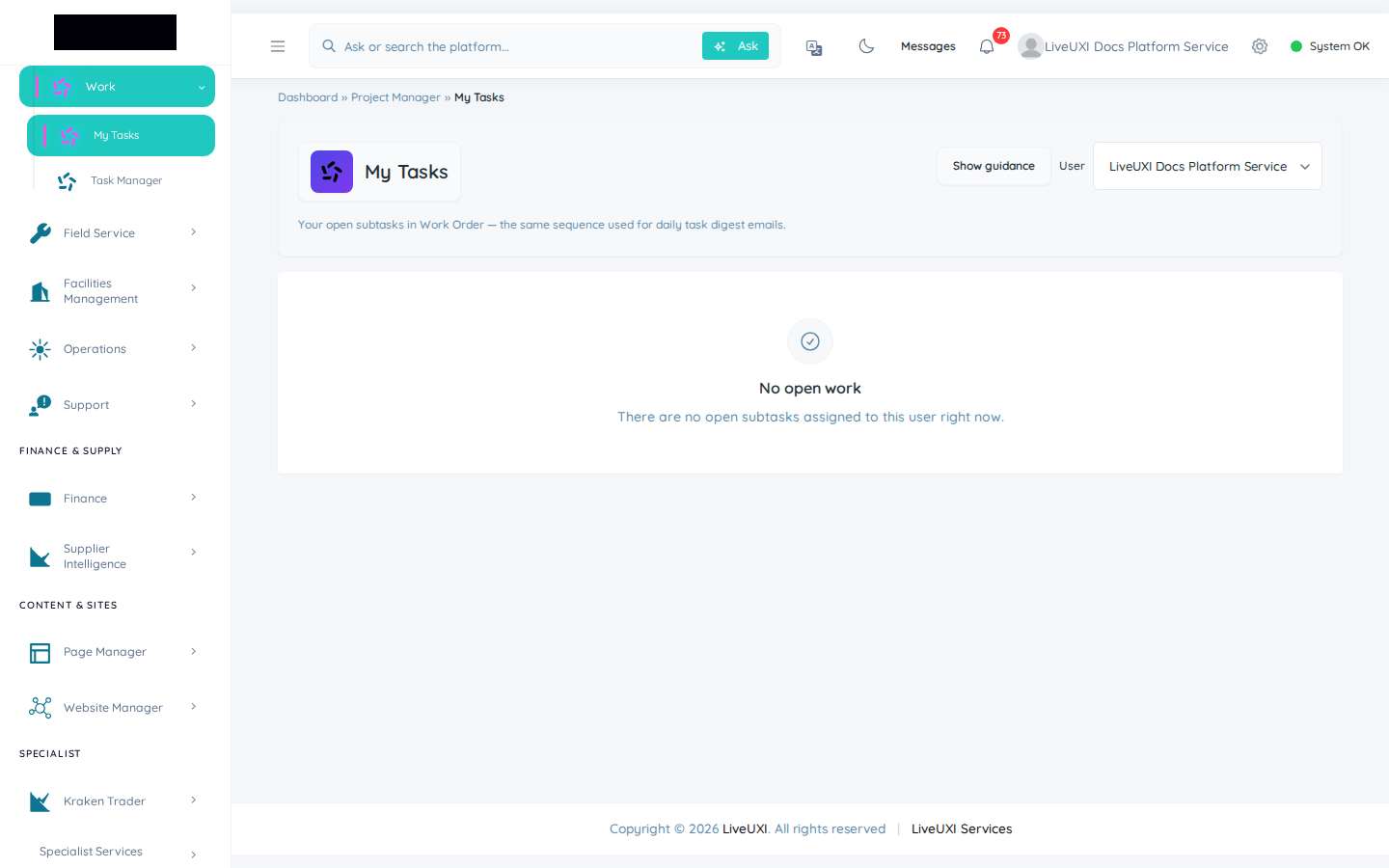
My tasks
/project-manager/my-tasksPersonal task queue for day-to-day execution.
Video walkthrough
Projects and tasks
Project list and task manager for delivery teams.
My tasks
Personal task queue for assignees.
Delivery inside LiveUXI
Project Manager turns sold work into trackable delivery. Projects group tasks; the task manager gives leads a cross-project view; My Tasks shows each user their queue. This connects sales outcomes to implementation without a separate tool.
Projects overview
The projects screen lists active and archived delivery work with status, owners, and links back to customers or deals where configured.
-
1
Open Project Manager → Projects
Navigate to /project-manager/projects from the sidebar or direct URL.
-
2
Create or select a project
Start a new project for a customer engagement or open an existing one to review progress.
-
3
Set owners and milestones
Assign a delivery lead and break work into phases so reporting stays honest.
Task manager and My Tasks
Task Manager is the operational board for leads — filter by project, priority, or assignee. My Tasks is the individual queue for day-to-day execution.
-
1
Open Task Manager
Go to /project-manager/task-manager to see tasks across projects.
-
2
Triage by priority
Sort or filter blocked and overdue items before stand-up.
-
3
Use My Tasks for daily work
Each team member opens /project-manager/my-tasks to focus on their assignments.
-
4
Close the loop with CRM
When delivery completes, update the linked deal or customer record so sales visibility stays current.
Tips
- •Keep task titles action-oriented — “Configure portal invoices” beats “Portal work”.
- •Use project templates for repeatable implementation packs.