
Dashboards and KPI cards
7 min read
Build personalised dashboards with lazy-loaded cards, date filters, compare mode, and PDF export.
Features in this guide
-
Overview dashboard
/dashboardRole-aware analytics landing page with module shortcuts.
-
My Dashboard
/core/dashboards/my-dashboardPersonal KPI cards with date presets, compare mode, and PDF export.
-
Notifications
/core/notificationsIn-app notification inbox with acknowledgement workflows.
Video walkthrough
My Dashboard
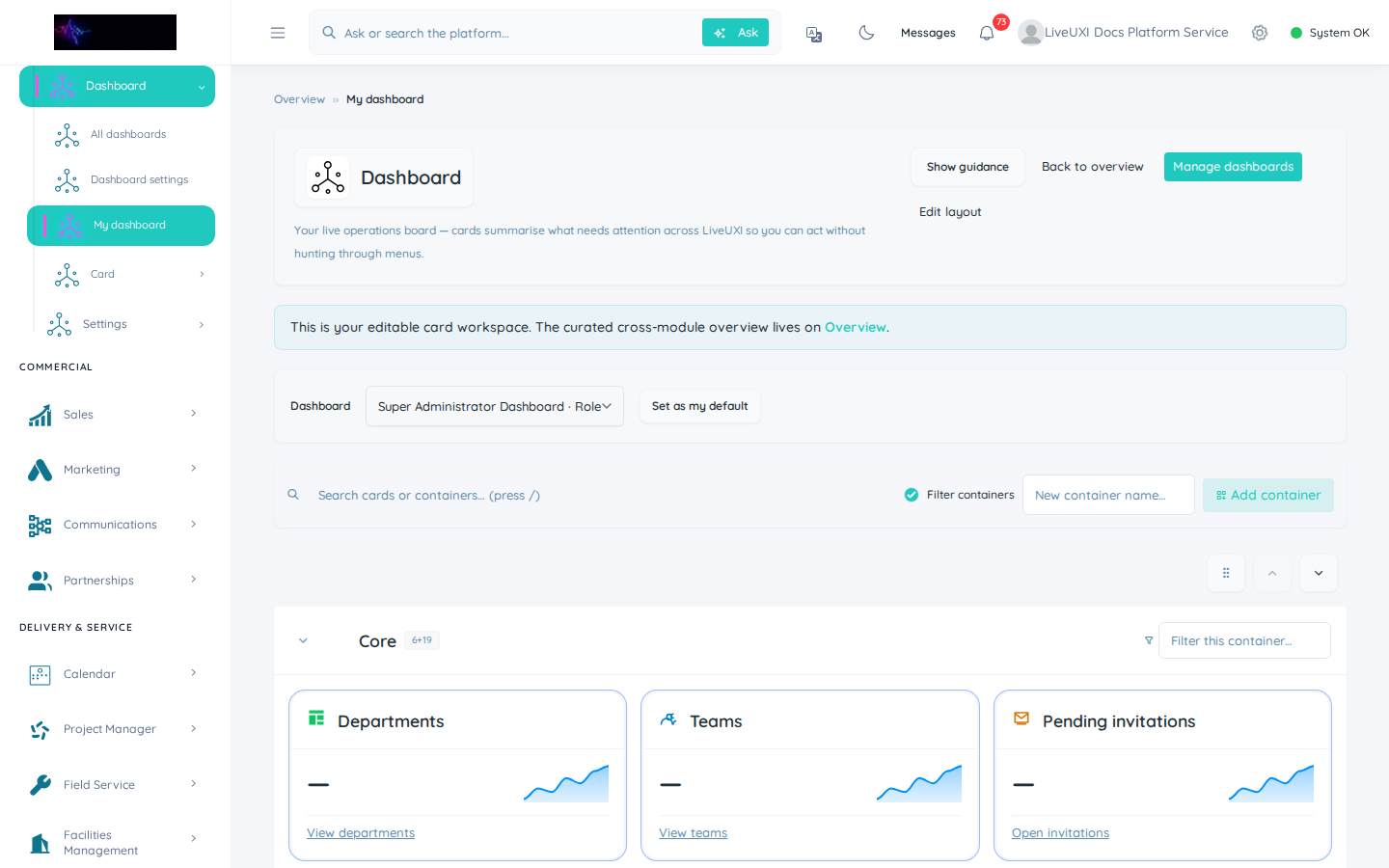
Personal KPI cards and the sticky date toolbar on My Dashboard.
Notifications centre
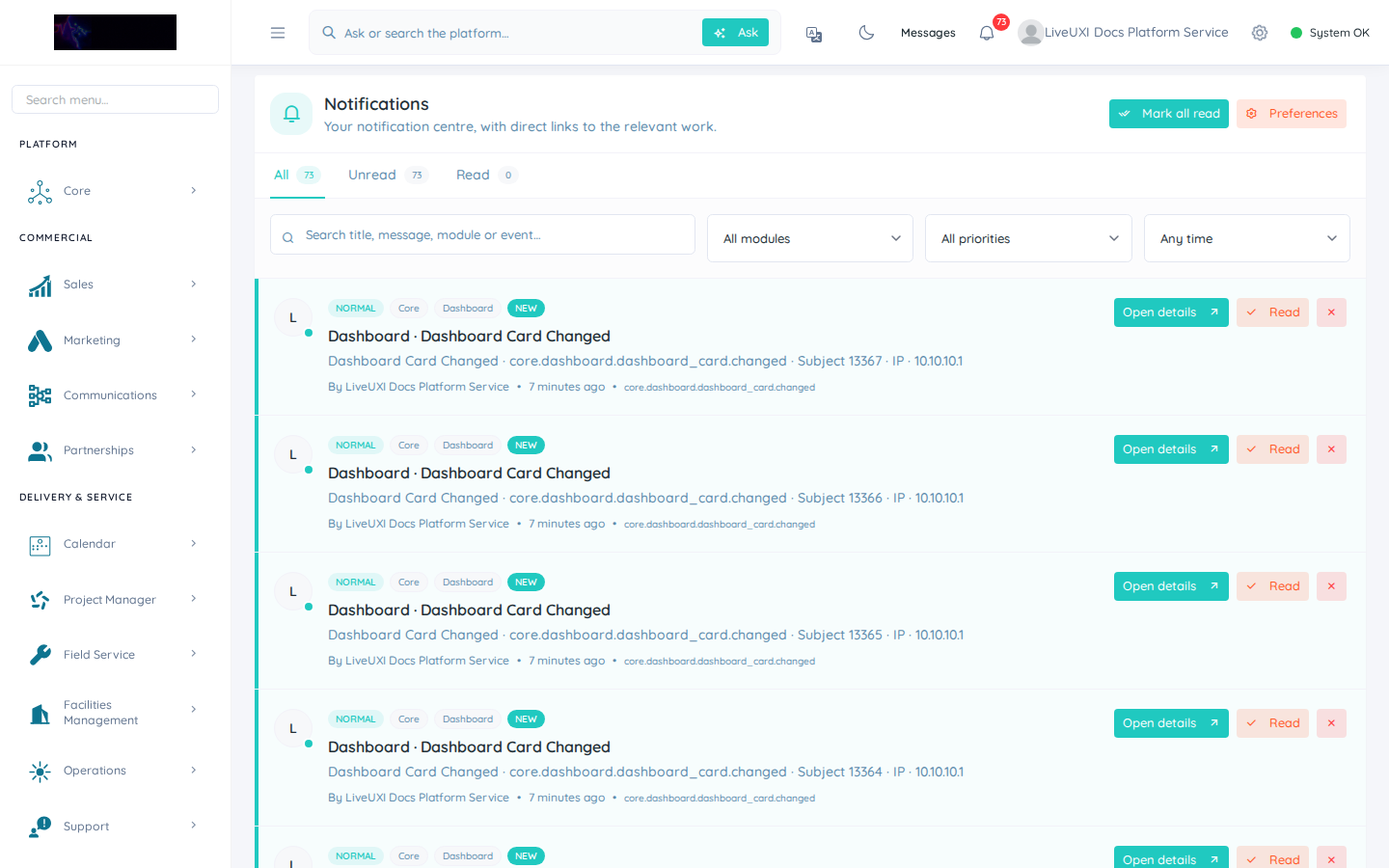
Open Core → Notifications to review alerts and platform messages.
My Dashboard
My Dashboard is your personal command centre. Cards load lazily as you scroll, keeping initial page load fast even when dozens of KPIs are available.
Use the sticky toolbar to change the date range, enable compare mode, refresh data, export to PDF, or edit your layout.
-
1
Open My Dashboard
After sign-in, select Core → Dashboards → My Dashboard (or go to /core/dashboards/my-dashboard).
-
2
Choose a date preset
Use the sticky toolbar date pill — try “This week” or “This month” for stand-up reviews.
-
3
Scroll to load cards
Lazy-loaded cards appear as you scroll. Wait for snapshot badges to clear before screenshotting or presenting.
-
4
Export or edit layout
Use PDF export for meetings, or Edit layout to pin the cards your role needs every day.
Finding and filtering cards
Press the slash key (/) to focus card search. Type to filter or highlight matching cards on large dashboards.
Changing the date preset refreshes card data without a full page reload — useful for stand-ups and weekly reviews.
Tips
- •Duplicate a template dashboard when onboarding a new team lead.
- •Use compare mode to spot week-on-week or month-on-month movement quickly.
Notifications
The bell icon in the dashboard toolbar opens your notification panel. Jump to the full inbox for historical items and acknowledgement workflows.