CRM, pipeline, and sales
10 min read
Manage leads, pipeline stages, proposals, and invoices from prospect to cash.
Features in this guide
-
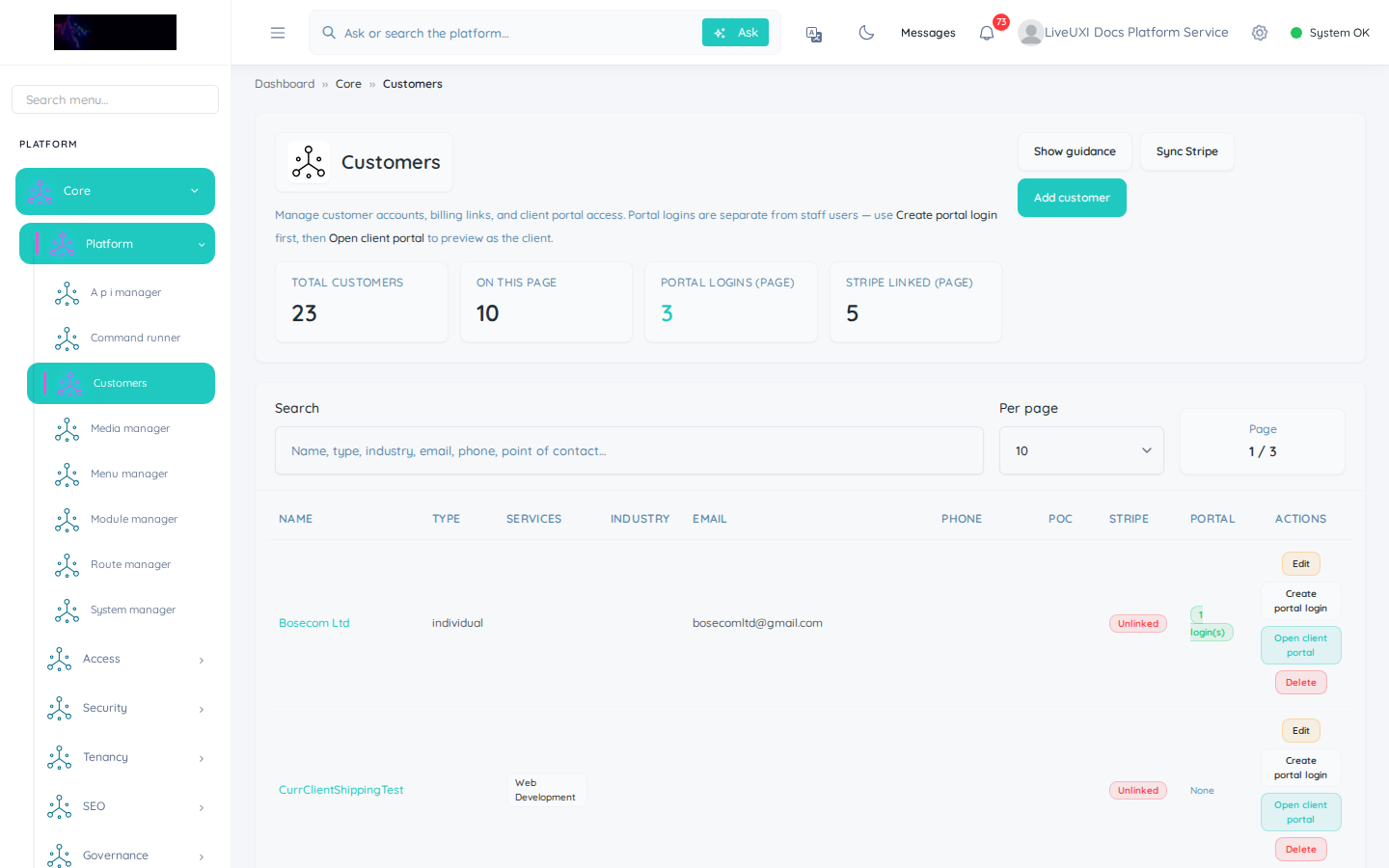
Customers
/core/customersCustomer records linked to CRM, finance, and portal accounts.
-
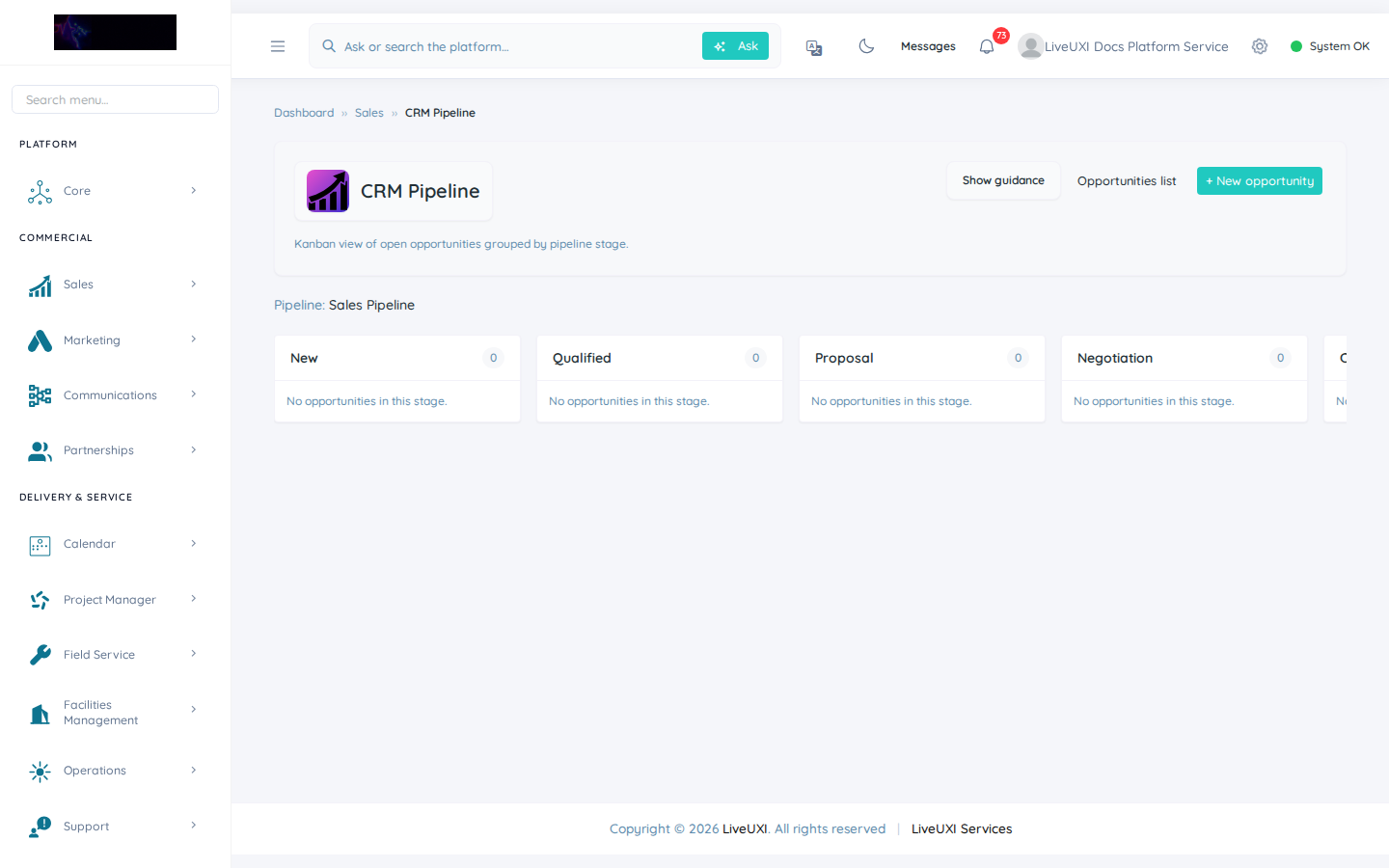
CRM pipeline
/sales/crm/pipelineKanban board for deals by stage with drag-and-drop progression.
-
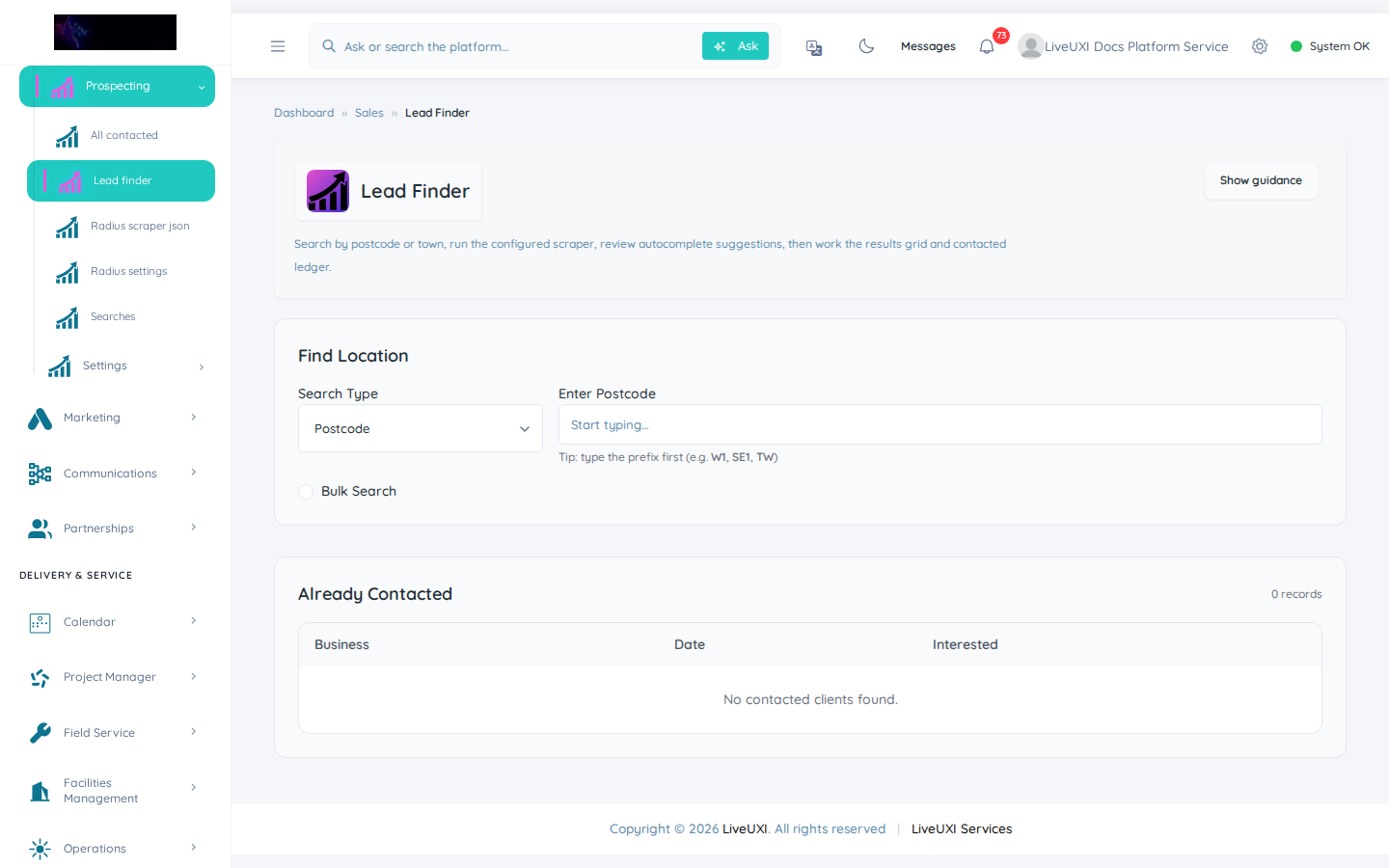
Lead finder
/sales/prospecting/lead-finderGeographic prospecting with map context and CRM ingest.
-
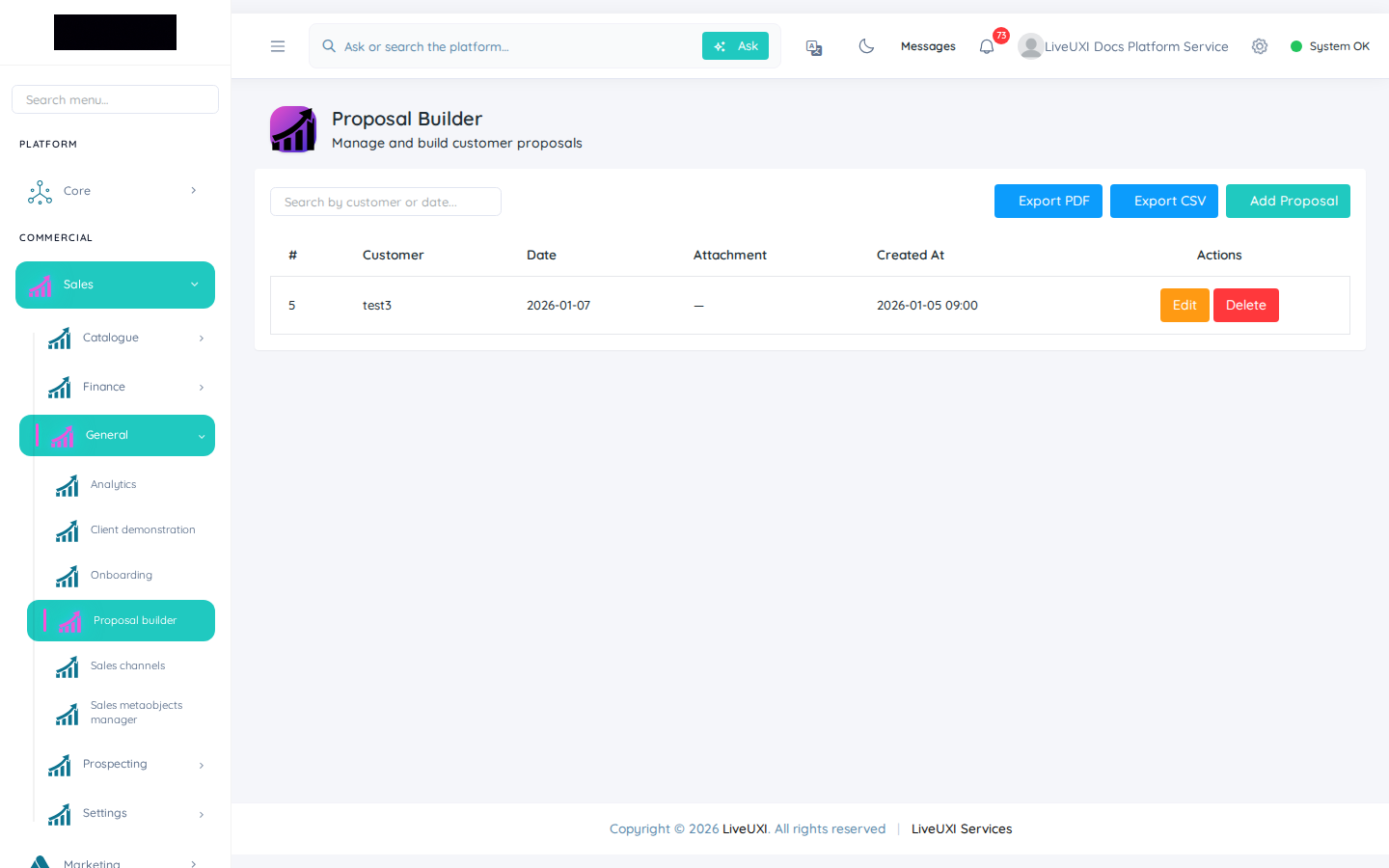
Proposal builder
/sales/proposals/proposal-builderBranded quotes from catalogue with approval and conversion.
-
Invoices
/sales/invoicesInvoice register with filters, exports, and portal visibility.
Video walkthrough
Sales pipeline
Kanban pipeline board with deal stages and filters.
Lead finder
Prospecting with radius search and lead ingest.
Proposal builder
Assemble branded quotes from the product catalogue.
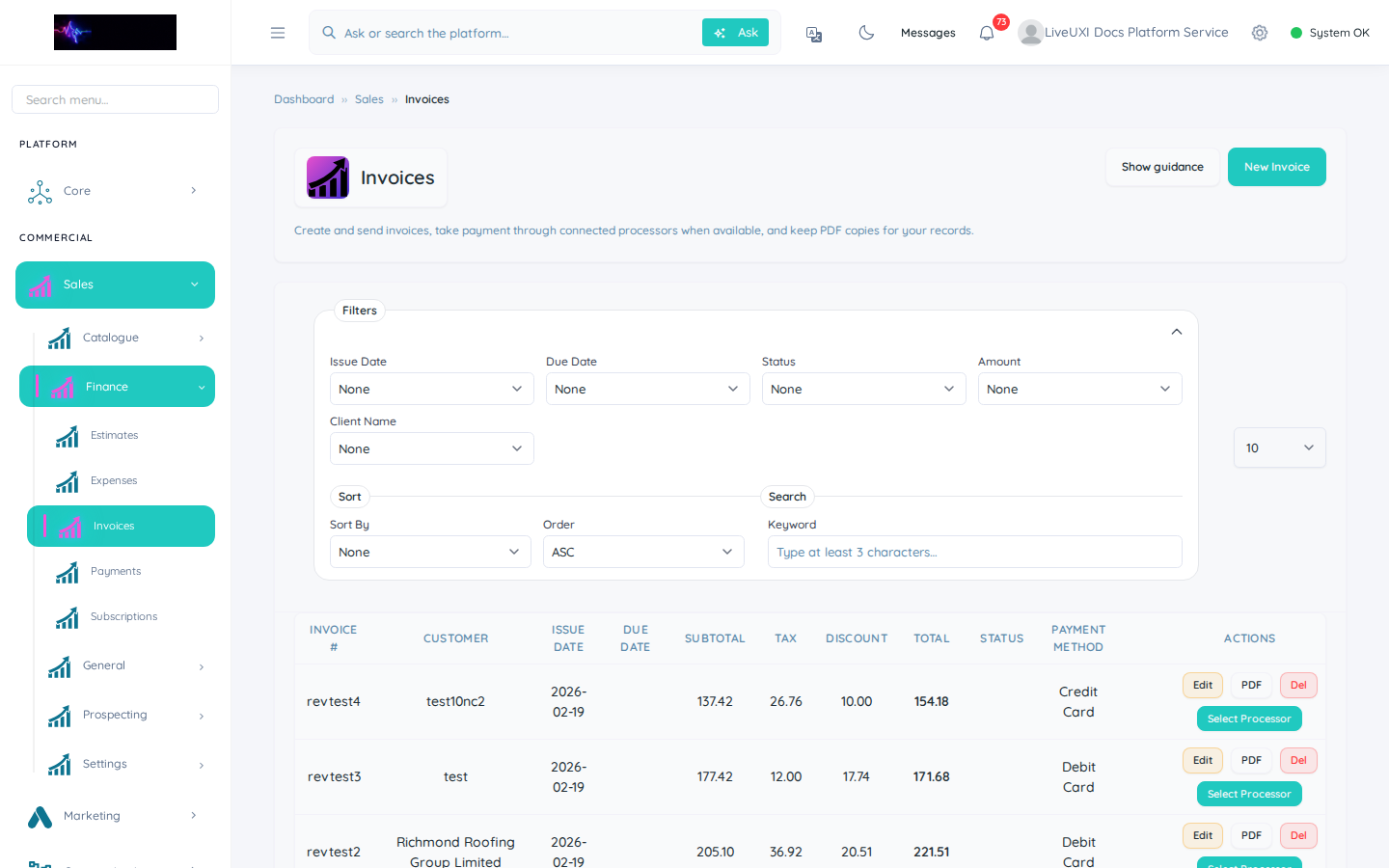
Invoices
Invoice register with status, amounts, and filters.
Pipeline to invoices
Short tour from pipeline board to the invoice list.
Sales pipeline
The pipeline board shows deals by stage. Drag opportunities between stages, assign owners, and filter by team or date to run pipeline reviews.
-
1
Open Sales → CRM → Pipeline
From the left sidebar, expand Sales, then CRM, and open Pipeline.
-
2
Review stages
Each column is a pipeline stage. Scan for deals that have stalled or lack an owner.
-
3
Move a deal forward
Drag a deal card to the next stage when the opportunity progresses — this keeps forecasting accurate.
-
4
Filter for your team
Use filters to show only your owned deals or a date range before a pipeline meeting.
Lead finder and prospecting
Lead Finder helps you discover and qualify prospects. Search by geography, sector, or radius, then ingest leads into your CRM with consistent ownership and follow-up tasks.
Proposals
The proposal builder assembles branded quotes from your product catalogue. Send for approval, track views, and convert accepted proposals into orders or invoices.
Invoices
Invoice lists show status, amounts, and customer links. Filter by date or payment state, export for finance, and connect to the client portal for self-service viewing.
Tips
- •Keep pipeline stages aligned to how your team actually sells — fewer, clearer stages beat a complex funnel nobody uses.
Customers
Core customer records link CRM deals, finance documents, and portal accounts so every team sees the same source of truth.