Calendar and public booking
8 min read
Schedule internally, expose availability, and let customers book through your public booking hub.
Features in this guide
-
Calendar dashboard
/calendar/calendar-dashboardAppointments, resources, and availability in day/week/month views.
-
Public booking hub
/calendar/public-booking-hubCustomer-facing slot selection and confirmation flows.
Video walkthrough
Team calendar
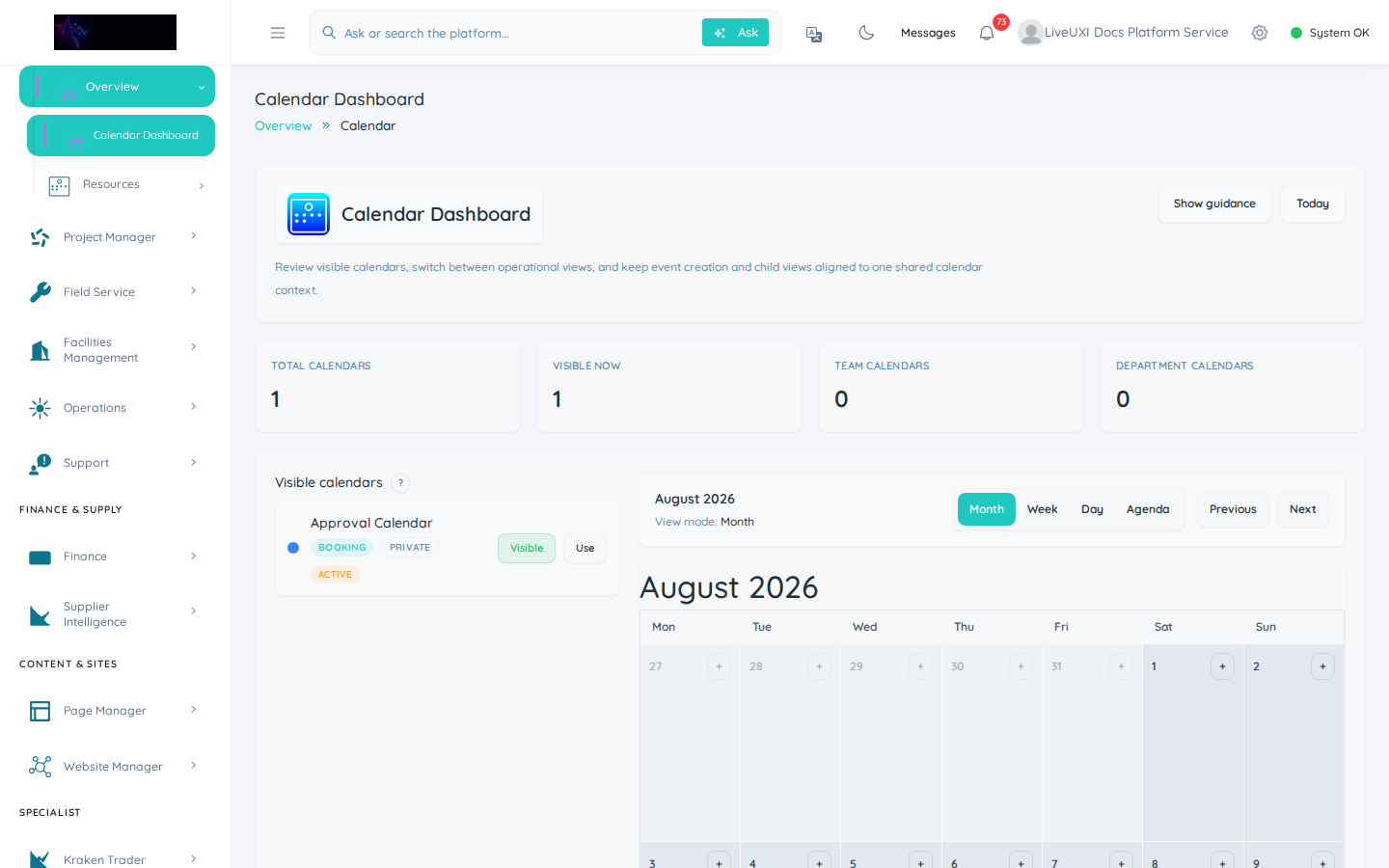
Calendar dashboard for schedule visibility and event management.
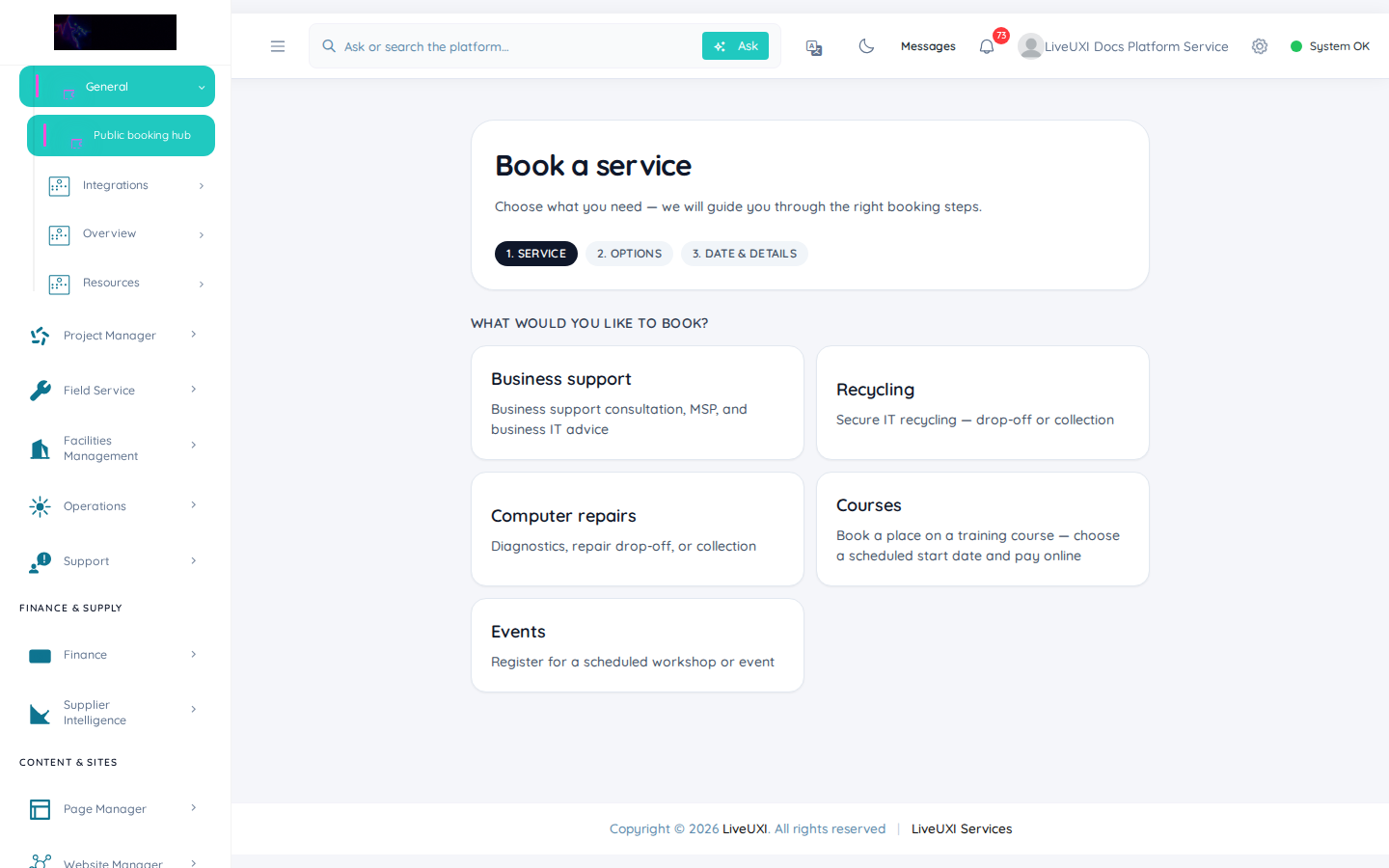
Public booking hub
Configure and review public booking pages for customers.
Calendar dashboard
The calendar dashboard unifies appointments, resources, and team availability. Switch views, manage booking types, and connect calendars to your communications workflows.
-
1
Open Calendar from the sidebar
Navigate to Calendar → Dashboard to see team appointments and availability in one view.
-
2
Switch calendar view
Use day, week, or month views to match how your team plans — week view suits most operational stand-ups.
-
3
Review booking types
Confirm each service or appointment type has the correct duration and buffer rules before exposing public slots.
Public booking hub
The public booking hub lets customers self-serve: pick a service, choose a slot, and confirm without back-and-forth email. Embed links on your marketing site or send direct URLs.
-
1
Configure services and availability
In Calendar → Booking hub, define which services appear publicly and set weekly availability windows.
-
2
Copy the public booking URL
Use Page Manager or your site navigation to link customers to the booking hub — test the URL in a private browser window.
-
3
Complete a test booking
Book a slot as a customer would, then confirm the appointment appears on the team calendar and triggers any confirmation emails.
Tips
- •Test the full booking flow on mobile — most customer bookings happen on phones.
- •Connect booking confirmations to your unified inbox for a single support queue.