
Getting started with LiveUXI
6 min read
Understand the platform layout, sign in, and find your way around the admin experience.
Video walkthrough
Admin overview
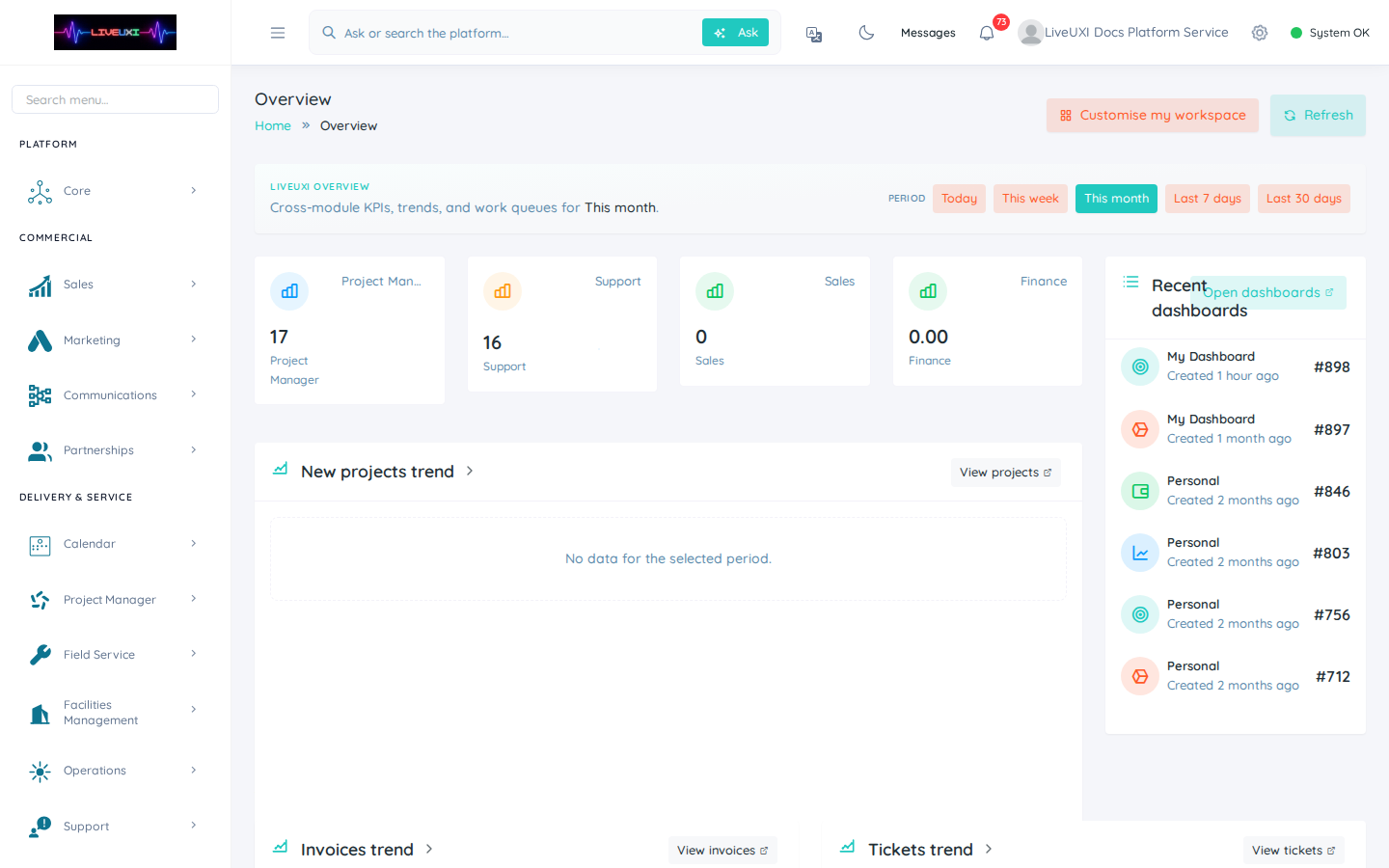
Quick look at the LiveUXI overview dashboard and sidebar navigation.
Customer records
Open Core → Customers — the shared customer register across CRM and finance.
What LiveUXI is
LiveUXI is an enterprise operating platform that brings CRM, sales, finance, communications, calendar, booking, and client portal capabilities into one modular system.
Most teams start with the admin at internal.liveuxi.com, then extend outward to public sites, customer portals, and automations as workflows mature.
Signing in
Your organisation administrator provisions users with role-based access. Sign in at your LiveUXI admin URL, complete two-factor authentication when enabled, and land on your personalised dashboard.
-
1
Open your admin URL
Navigate to your organisation's LiveUXI admin address (typically internal.liveuxi.com or your custom host).
-
2
Enter credentials
Type your work email and password on the login screen, then submit the form.
-
3
Complete 2FA if prompted
When two-factor authentication is enabled, enter the code from your authenticator app before continuing.
-
4
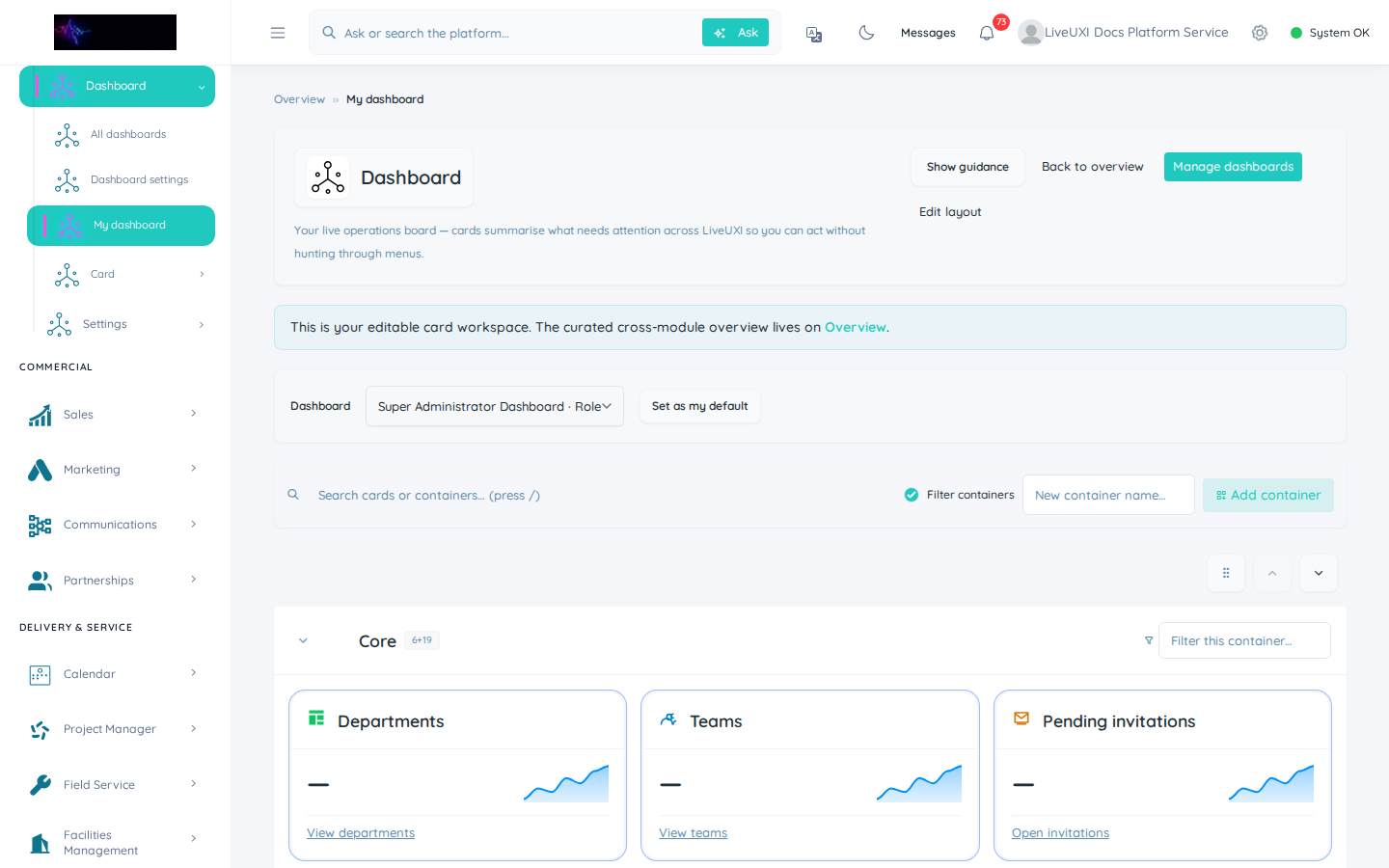
Confirm you reach My Dashboard
After sign-in you should land on My Dashboard or your role's default home — not an error or blank page.
Tips
- •Bookmark the admin URL for your team — it is separate from the public marketing site.
- •Use roles and permissions so each department sees only the modules they need.
Platform navigation
The left sidebar groups modules by business domain: Core, Sales, Finance, Communications, Calendar, Page Manager, and more. The top bar provides search, notifications, and your account menu.
Dashboards are configurable per user — you can pin the cards and KPIs that matter to your role without changing what colleagues see.
Recommended first steps
After sign-in, configure your dashboard, review CRM pipeline stages, and confirm calendar availability if you take bookings. For public-facing work, open Page Manager to review site pages and forms.
-
1
Pin your dashboard cards
Open My Dashboard, add the KPI cards you need, and save your layout as the default for your role.
-
2
Walk one lead-to-cash path
Create a test lead in CRM, move it through pipeline stages, and confirm proposals and invoices connect correctly.
-
3
Review public touchpoints
Check Page Manager pages, booking links, and client portal login before inviting customers.
Tips
- •Start with one workflow — for example lead capture → pipeline → proposal — before enabling every module.
- •Use the client portal when customers need self-service access to invoices or orders.