Client portal
7 min read
Give customers a branded self-service area for login, invoices, and account management.
Video walkthrough
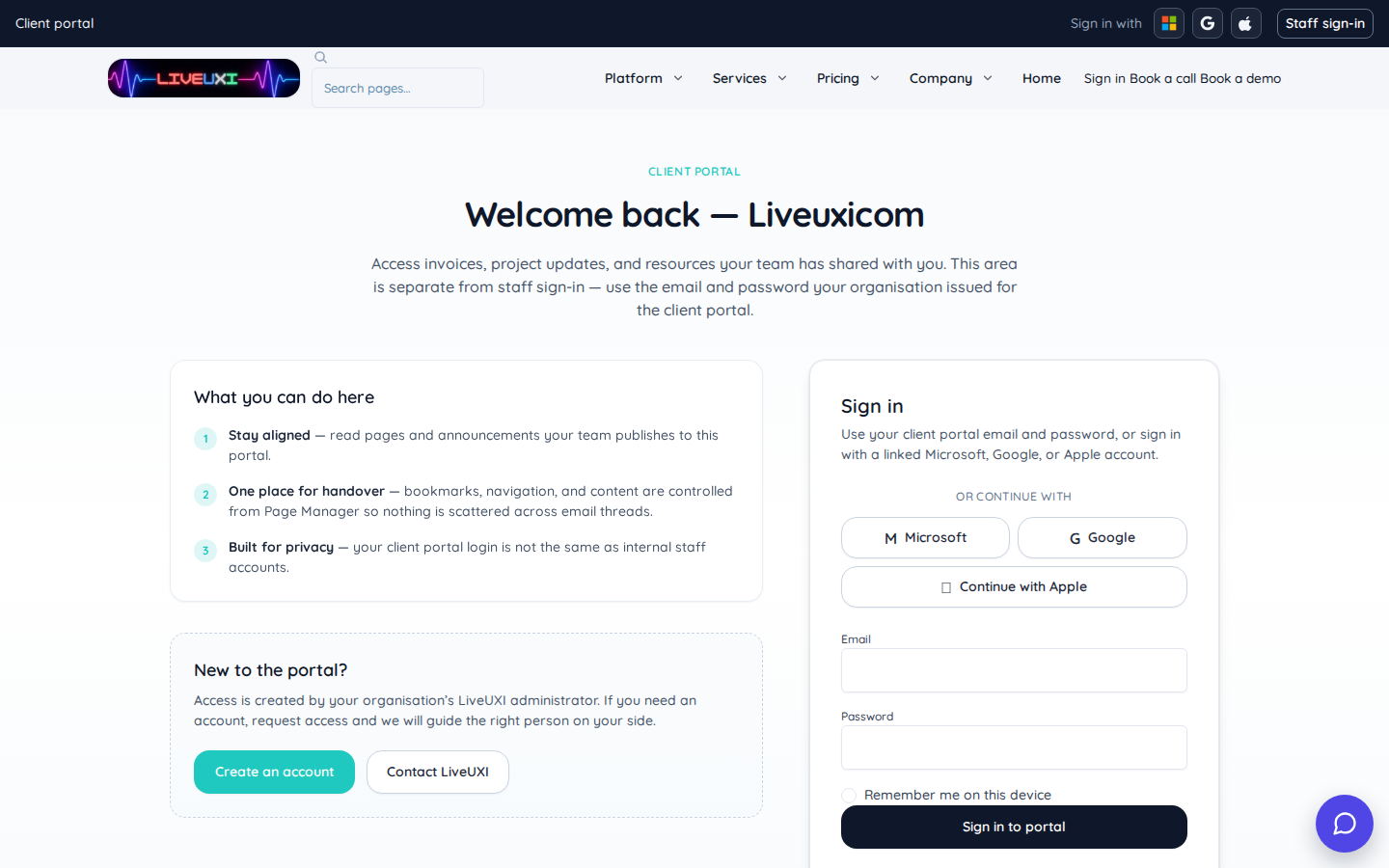
Portal login
Public client portal sign-in page on liveuxi.com.
Signed-in portal home
Staff preview into the signed-in client portal home.
Portal login experience
The client portal uses your brand chrome with a focused login screen. Customers authenticate with email and password (and two-factor when enabled), then access only the sections you expose.
-
1
Confirm portal host and branding
In Page Manager, open your customer portal site and verify logo, colours, and login URL match what customers expect.
-
2
Test customer login
Sign in with a test portal account — you should see only enabled sections (invoices, orders, etc.).
-
3
Enable two-factor when required
For regulated industries, turn on portal 2FA in settings and confirm recovery flows work before go-live.
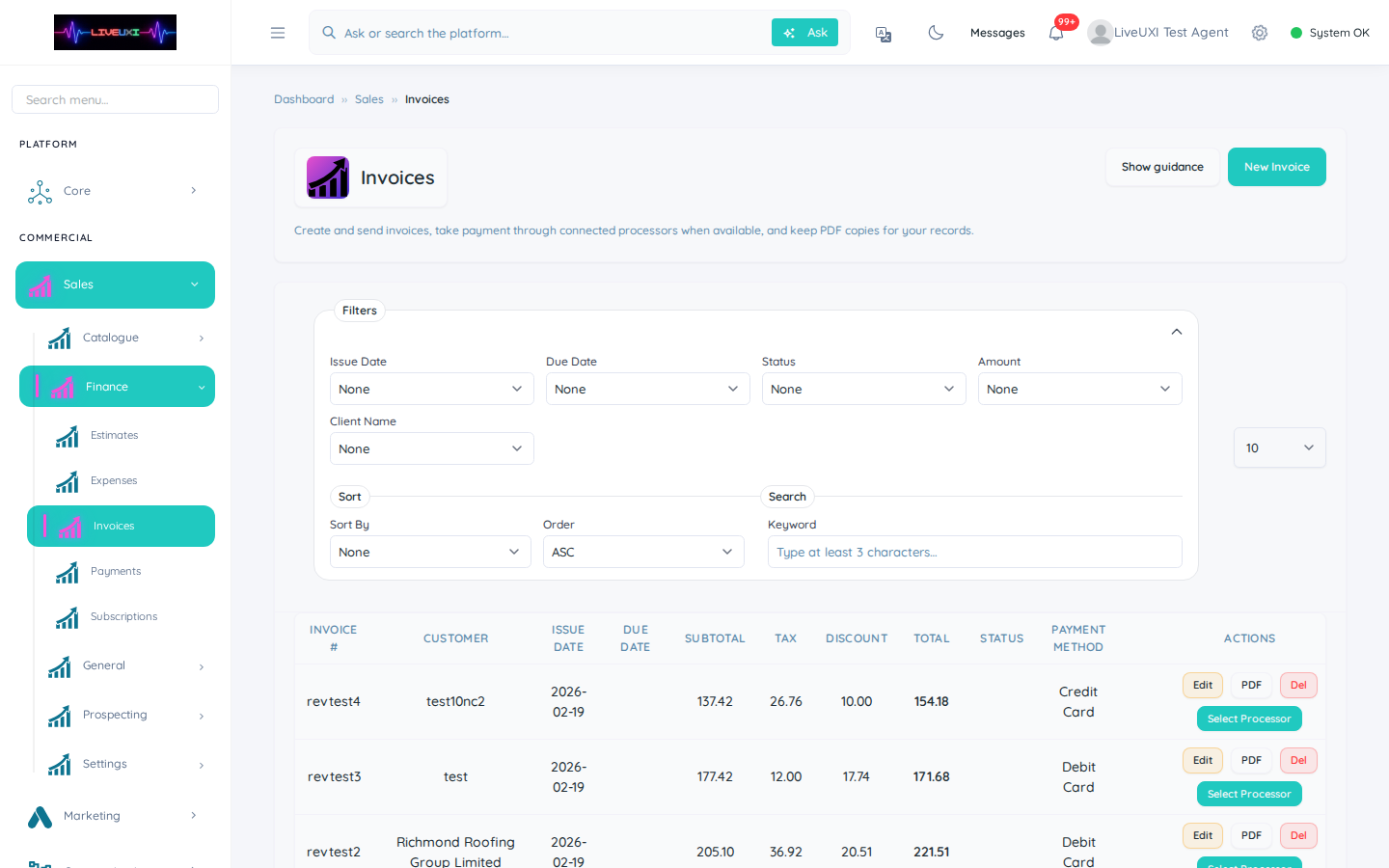
Invoices and self-service
Customers can view invoice history, download PDFs, and see payment status. Reduce support load by letting accounts teams point clients to the portal instead of emailing attachments.
Tips
- •Enable portal registration only when your onboarding process can verify new customers.
- •Match portal sections to your SLA — start with invoices before enabling broader order history.